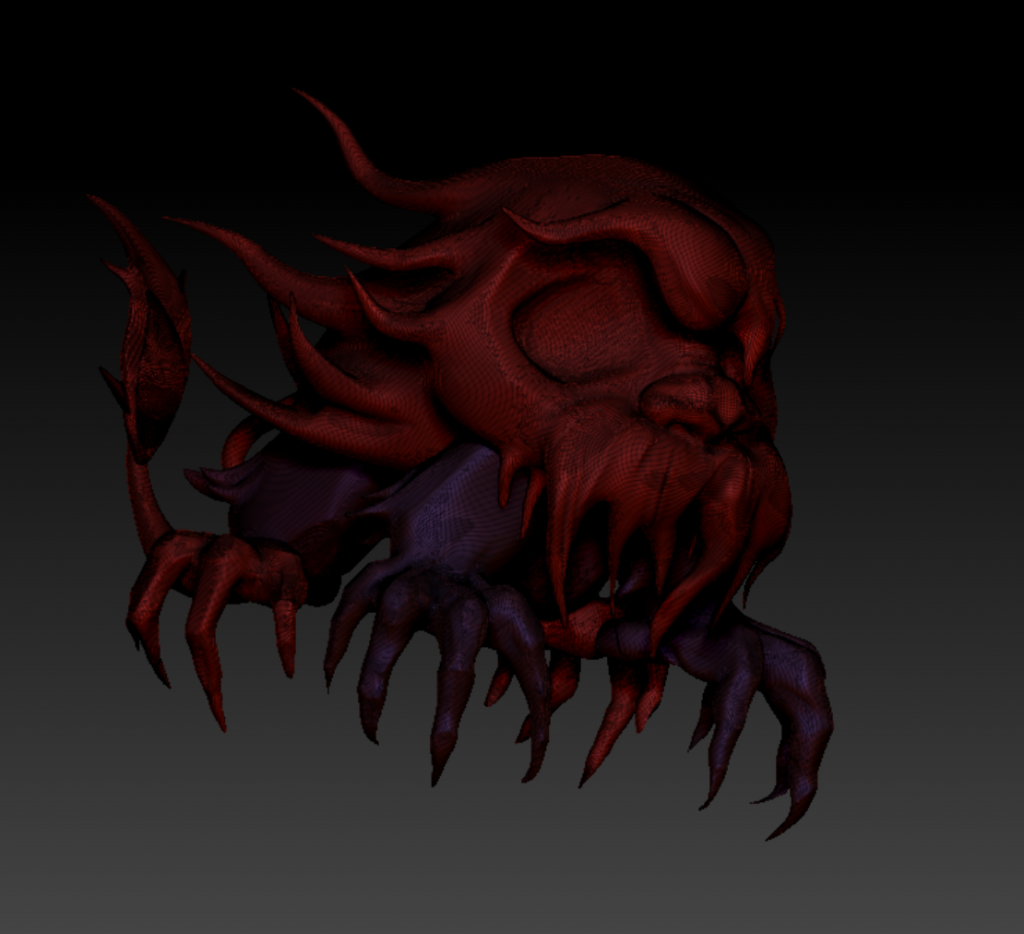
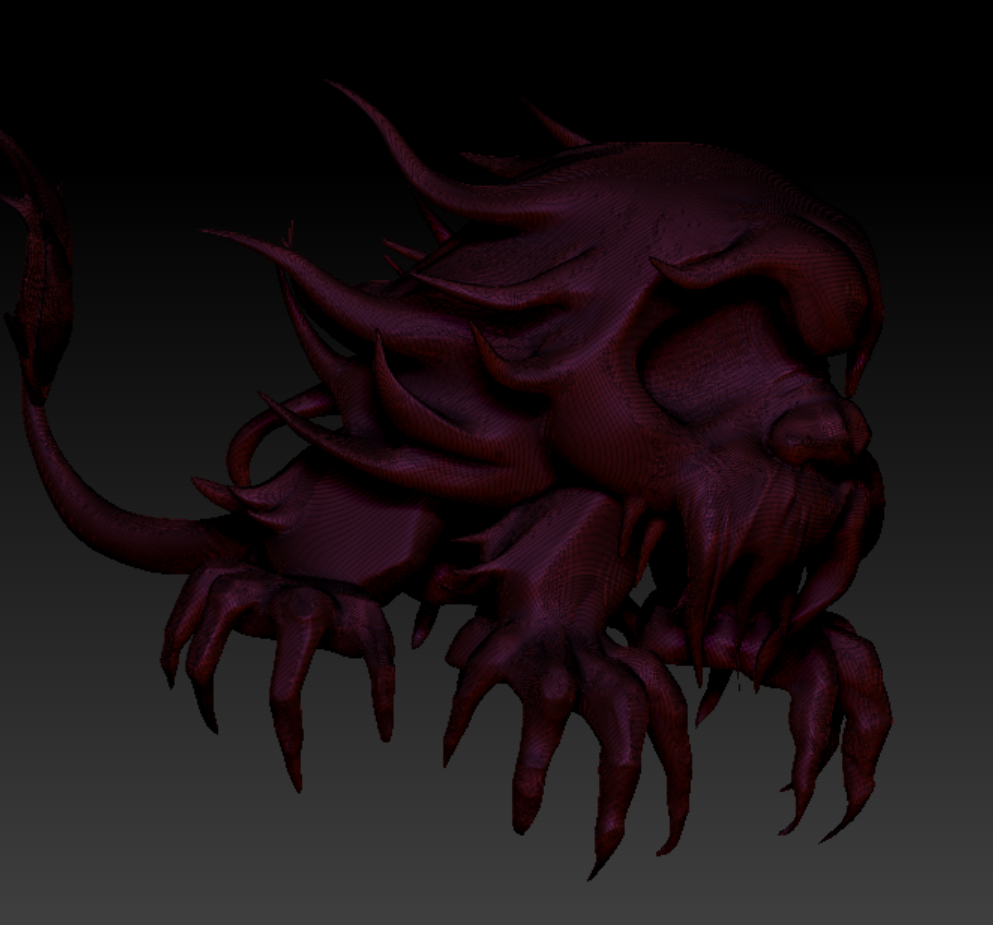
Actually, I hadn’t planned on doing retopology, and I have even asked my lecturer Amile if I should bother with it. Amile advised me that it would be better to just lower the poly count directly in ZBrush because my time was likely too limited (and honestly, I was already behind on the class progress—I saw my classmates moving on to textures while I was still working on the model). So, I took the lecturer’s advice and started reducing the poly count, then imported it into Maya.
However, when I first imported the model into Maya, I noticed a problem—my main subject’s body and limbs were separated in ZBrush, which caused them to intersect and create visible seams in Maya. So, I had to go back to ZBrush, merge the different parts of the body, and smooth out the seams using clay and smoothing brushes. After that, I lowered the poly count again and smoothed everything out one more time. In the end, it all came together as one cohesive piece!
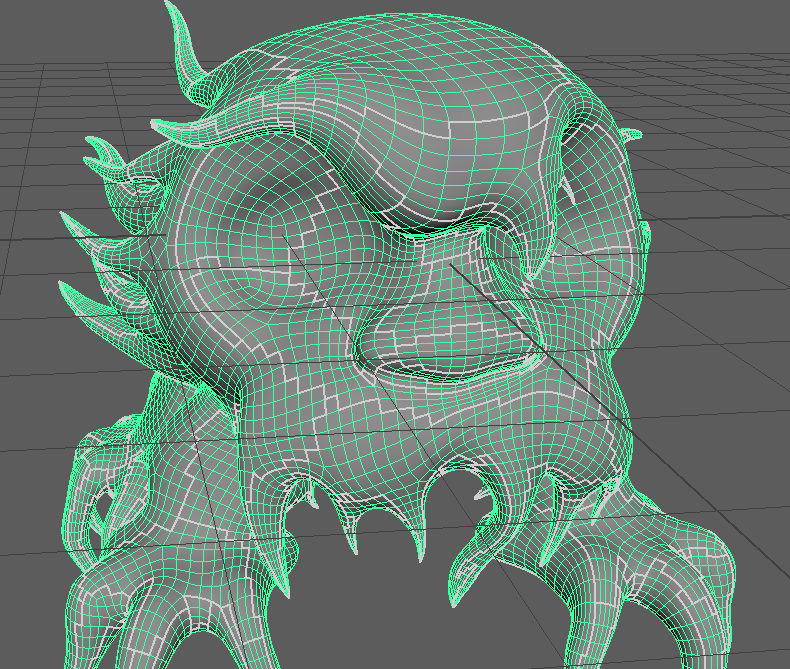
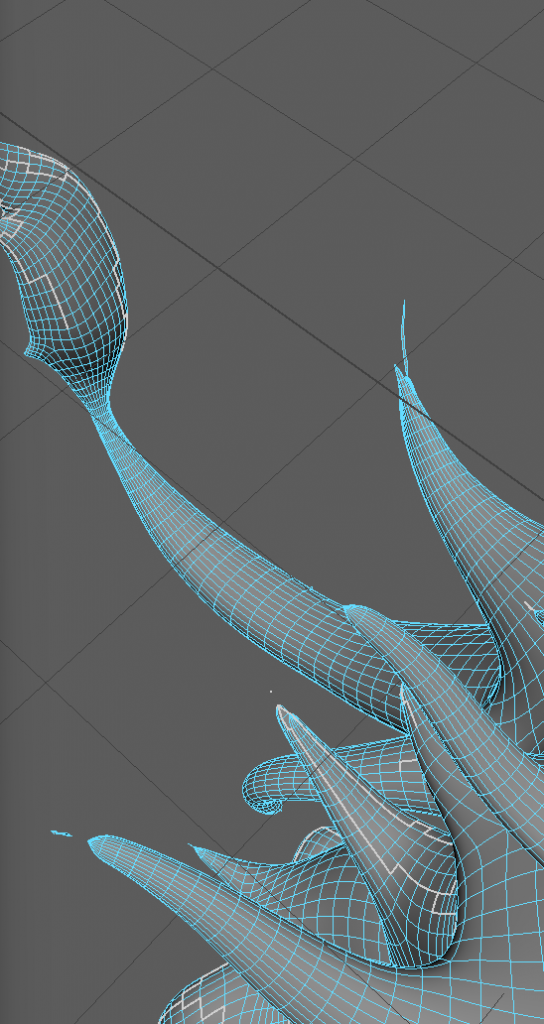
I ended up abandoning that plan and decided to go ahead with the retopology after all.
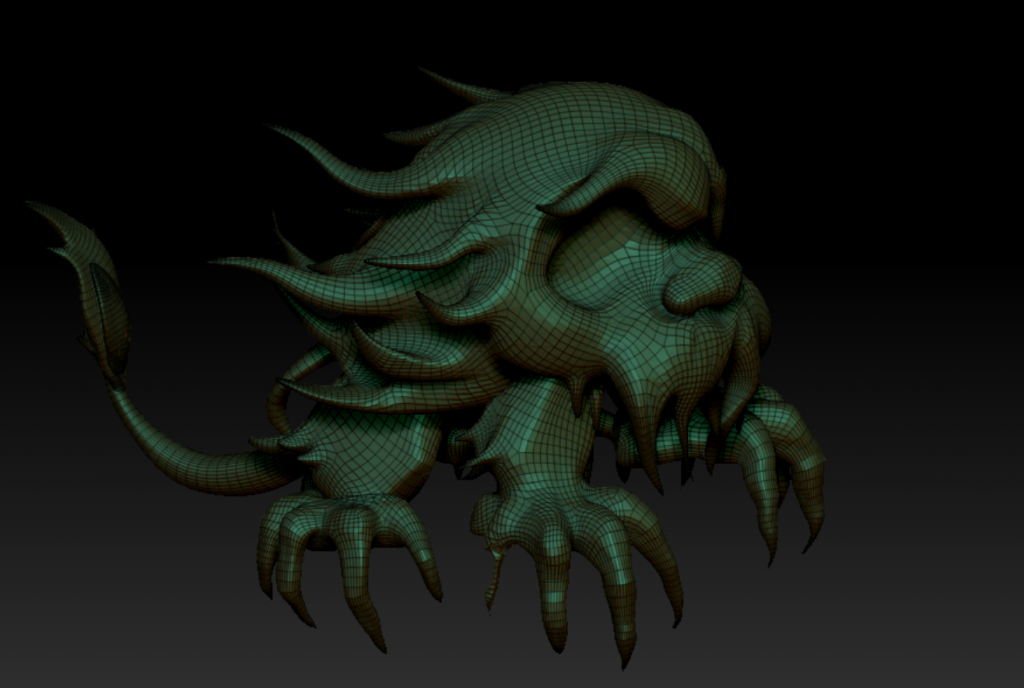
As shown in the image, there were a couple of issues: First, the UVs were way too tricky to unwrap—it was really hard to find a proper loop, and the lines were really messy and awkward. Second, I noticed that my model, especially the angles, had significantly shrunk and became all pinched, to the point that it collapsed into two ends. And third, the holidays came around! I will figure it within the break, and dI’d have more time to focus on working on my project
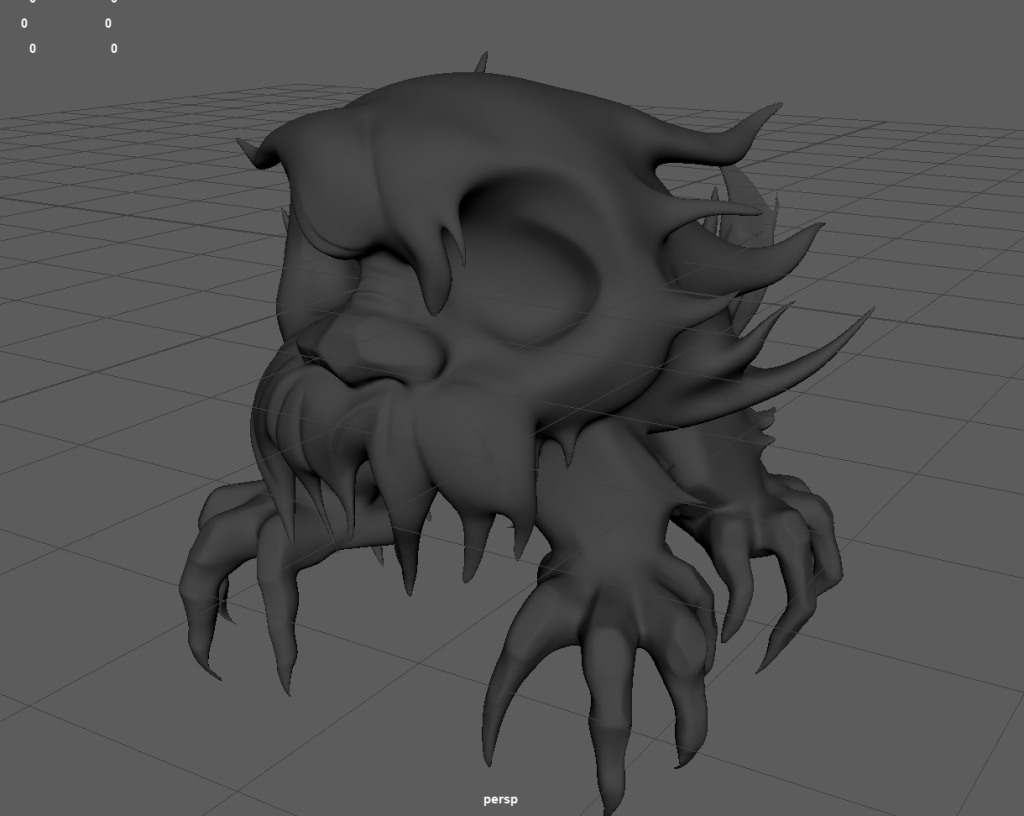
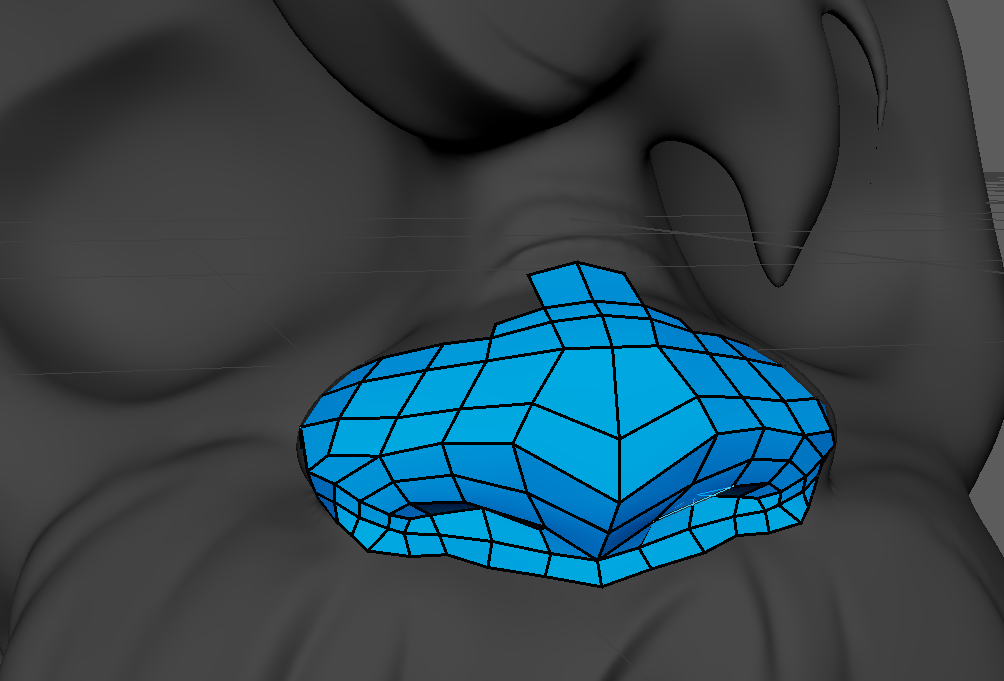
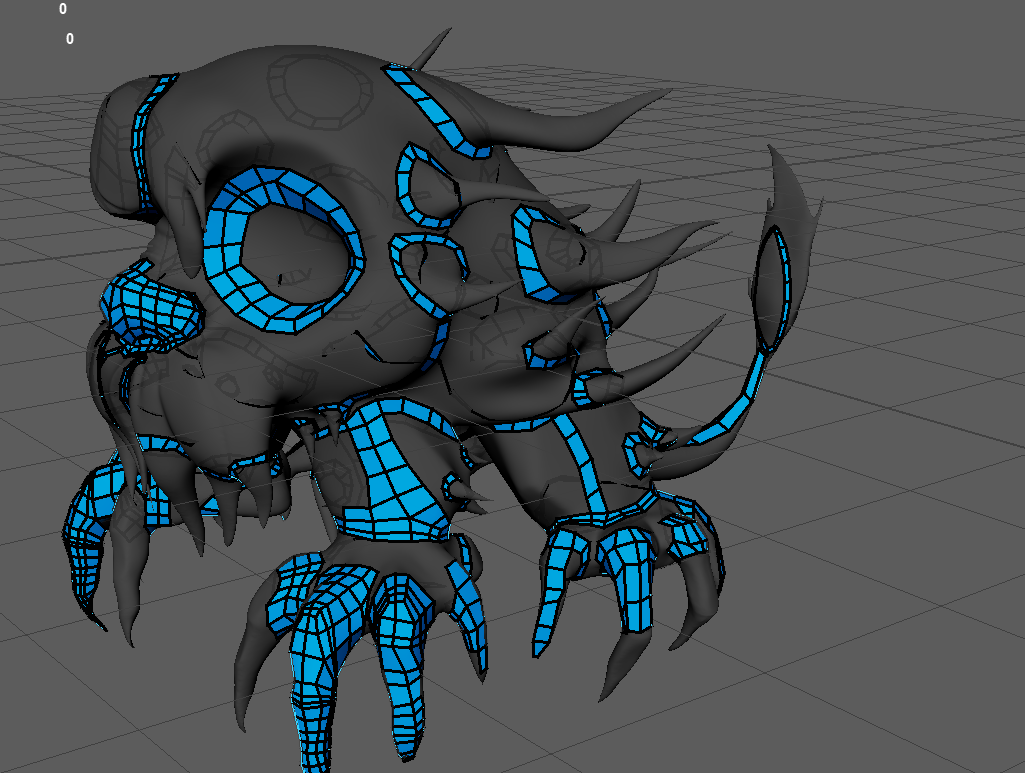
Time for retopology! First, I imported the high-poly model from ZBrush into Maya. Then, I started from the nose, carefully laying out all the essential loops—like the eye, toe loops, and fur loops—before connecting everything.
Thanks to all these loops, my model now looks like a blue-ringed octopus, haha
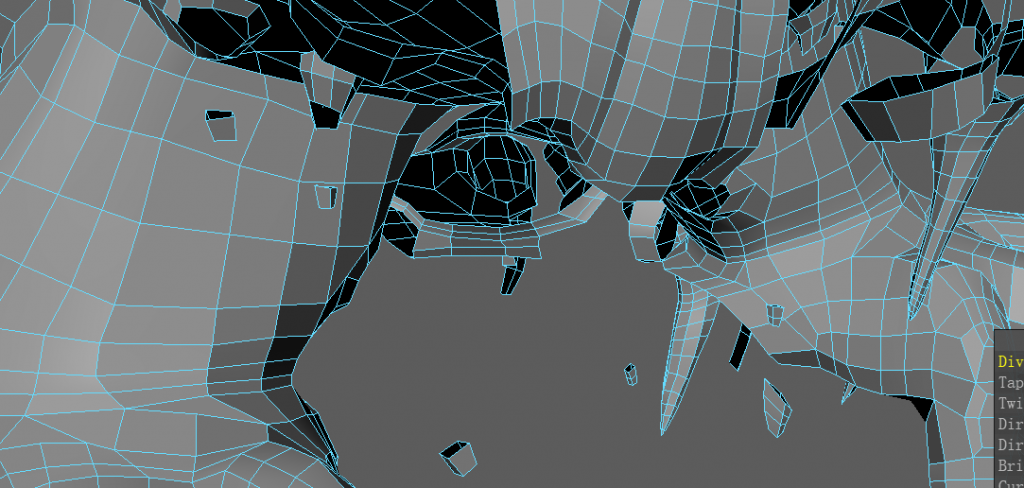
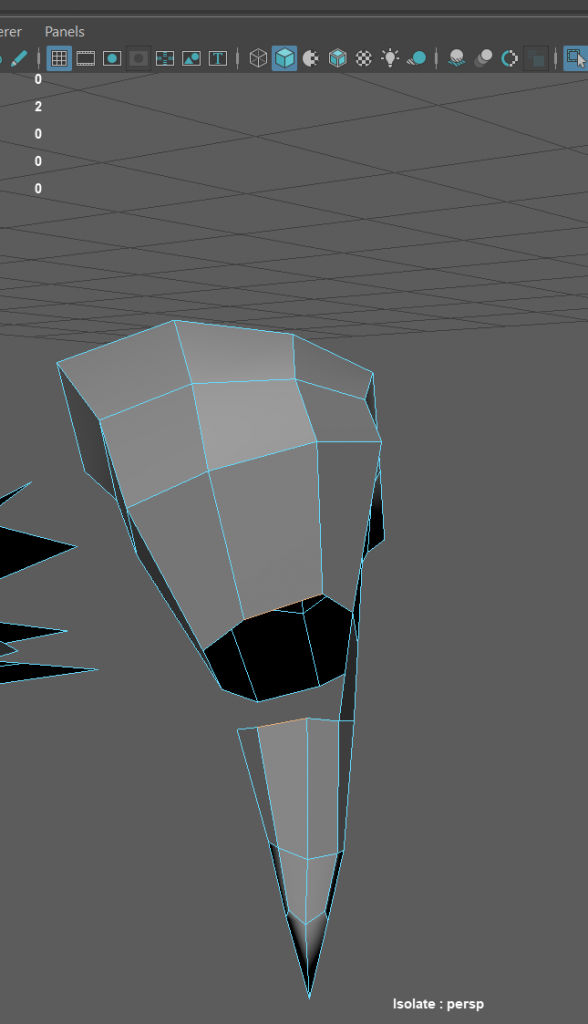
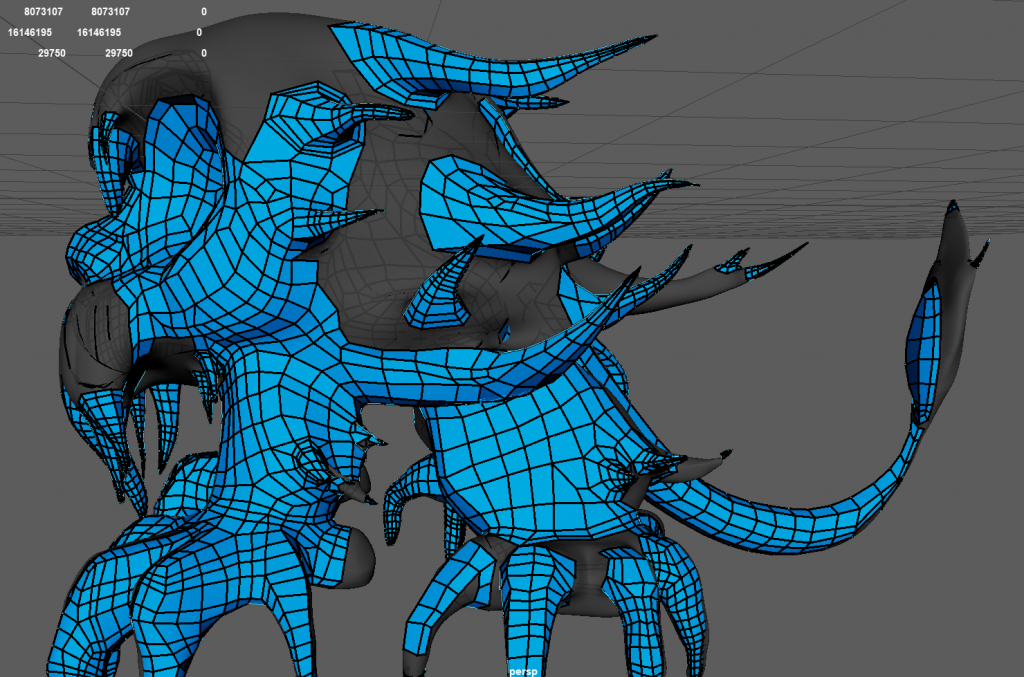
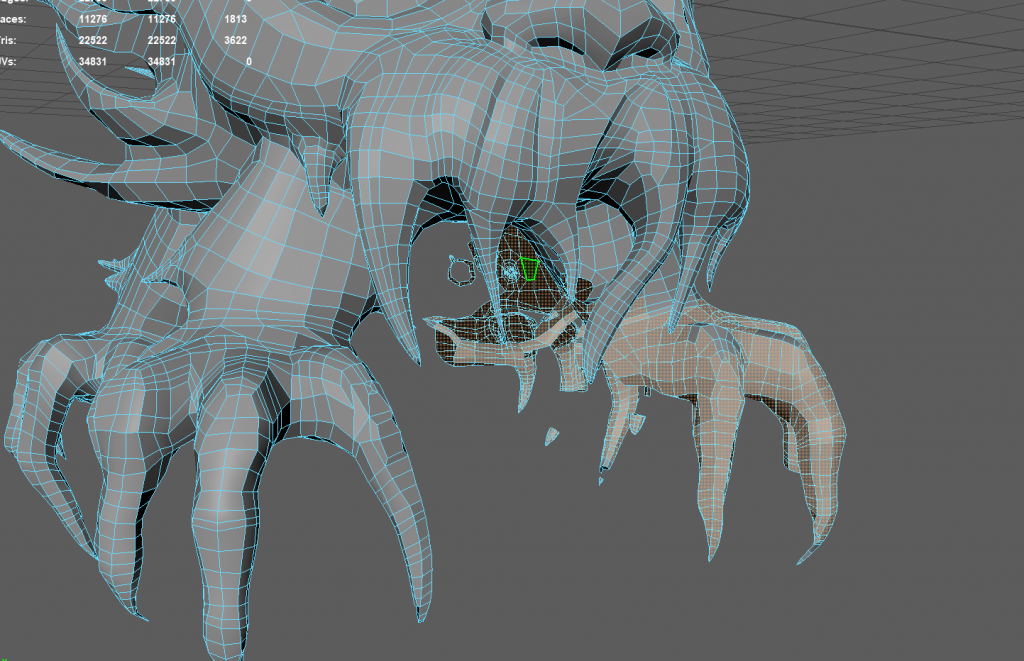
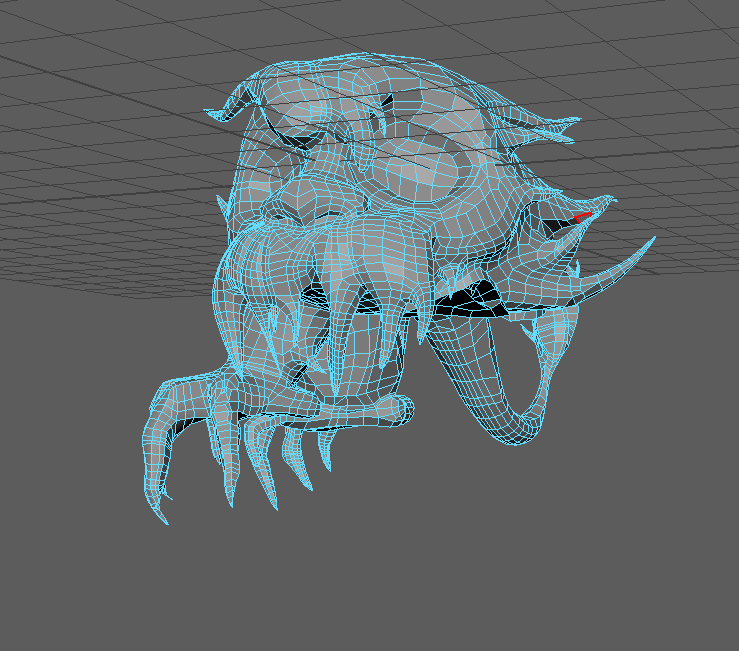
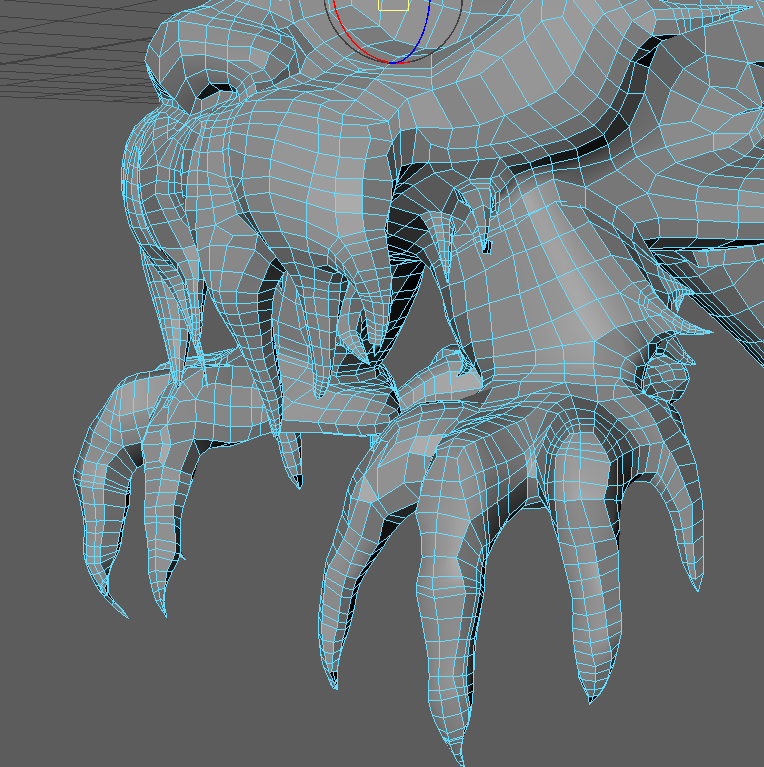
Start connecting each isolating parts~
Then the problem came, I forgot to turn on the mirror again while editing, so now the left claw is fully retopologized, but the right one is still in its previous state. I fixed this problem by deleting the right leg, turning on the mesh mirror, and reconnecting everything. Lesson learned—next time, I’ll always check if the mirror is on before starting retopology!
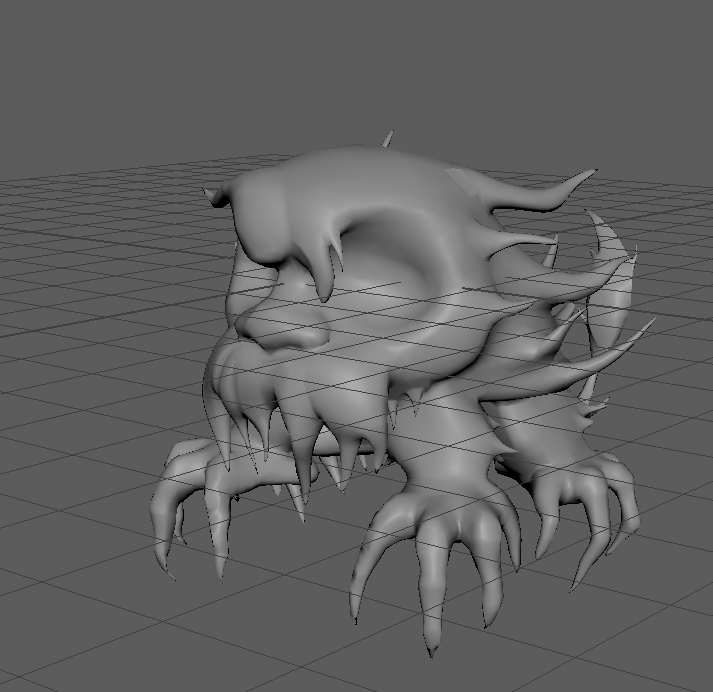
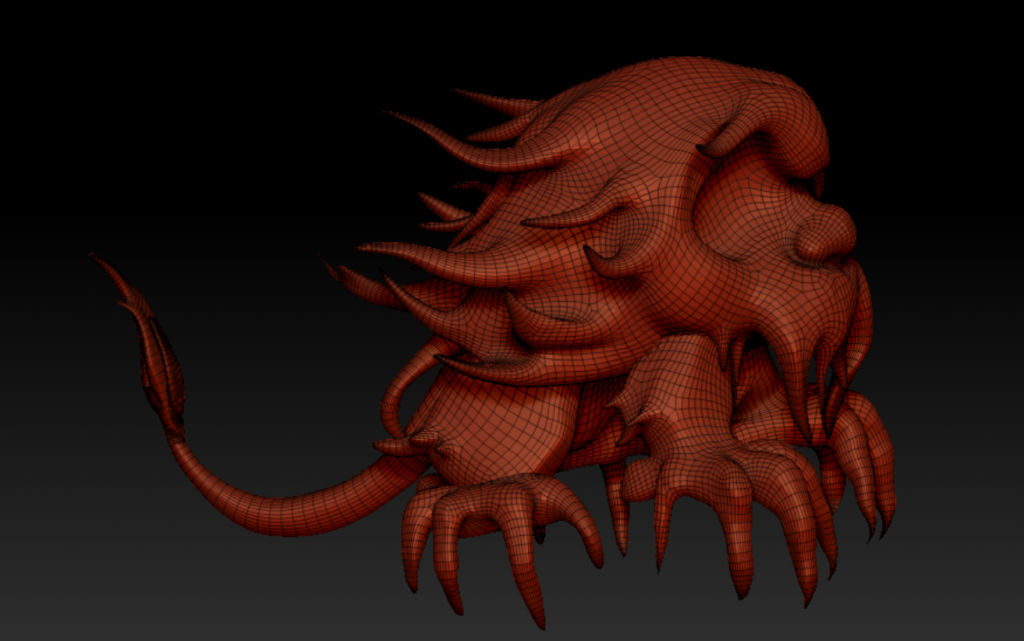
Final product~